How Loytap works

From first scan to familiar regular.

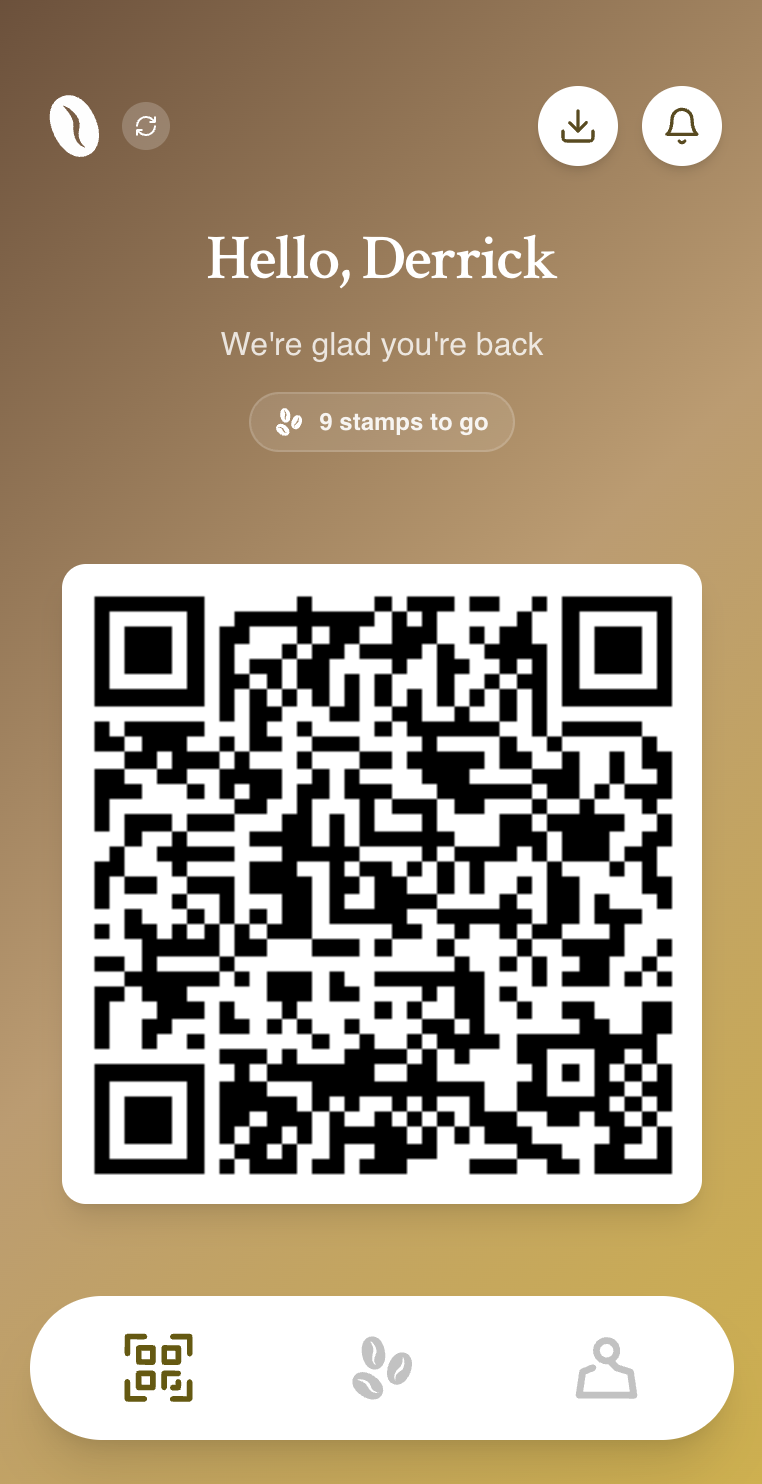
Customers join from your QR. Staff scan the customer’s personal QR to add a digital stamp. The owner gets a live view of visits, rewards and who is returning—all without replacing the till.

Customer and barista using Loytap during a coffee handover
The complete Loytap counter moment

The complete visit loop

One repeatable counter action, four useful outcomes.

  1. 01

    The customer joins once

    They scan the café join QR, enter the details needed for the programme and receive a card styled around your business.

    No generic marketplace app and no paper form behind the counter.

  2. 02

    Staff scan the personal QR

    On a later visit, the customer opens their card. A team member scans the personal QR and checks the right profile before adding the stamp.

    The same supported phone can handle the scan, stamp and reward action.

  3. 03

    Progress and rewards stay visible

    The customer can see the next reward and how many visits remain. When the target is reached, staff confirm the redemption.

    The visit, stamp and reward remain connected in one history.

  4. 04

    The café learns what happens next

    The dashboard updates with member, stamp and reward activity so the owner can review repeat patterns and useful customer groups.

    Messages start with a relevant customer or group—not an undifferentiated mailing list.

What happens on screen

Each view gives the person using it one clear next action.

The customer does not need the owner dashboard. The barista does not need a marketing report. Loytap keeps each moment focused while connecting the activity underneath.

Customer card

Open the card and show the QR

Reward progress, the next milestone and the personal QR stay together on the customer’s phone.

Team view

Confirm the right customer

The team sees the profile and current progress before adding a stamp or confirming a reward.

Owner view

Understand and follow up

The owner can move from activity to a customer group and a relevant message when service is over.

Café owner reviewing the Loytap loyalty dashboard after the morning rush

After the rush

Turn the stamps your team already adds into a useful customer picture.

Loytap keeps the customer-facing experience simple and saves the deeper work for when the owner has time. Review seven or 30 days, see reward progress and decide whether a customer or live group has a genuine reason to hear from you.

  • Compare stamps, members and rewards over useful periods.
  • See the customer profiles behind the summary numbers.
  • Preview recipients and content before a message is sent.
Explore customer insights

Setup checklist

What we decide before launch.

  • Your logo, colours and café name
  • Which purchase earns a stamp
  • The stamp target and reward
  • Who on the team can add stamps
  • Where customers see the join QR
  • The customer privacy information

Counter questions

What teams usually ask before launch

Do customers need to download an app?+

No. A customer joins from your café QR and keeps their branded loyalty link on their phone.

What does the team need at the counter?+

A supported phone with a camera and internet connection. Loytap does not require a separate loyalty scanner or a till integration.

Can more than one team member add stamps?+

Yes. You can give approved team members access to the café workflow and remove access when it is no longer needed.

What happens if a stamp is added by mistake?+

An authorised team member can review the customer activity and correct the stamp so the progress and history remain accurate.

See the flow with your café brand on it.

We’ll map the reward, QR placement and staff process before anything goes live.

Plan my Loytap setup